DOWNLOAD STARTED
Thanks! Your download is on its way.
BetterMacWidgets is notarized by Apple and runs entirely on your Mac.
Download didn't start? Try again
Three steps, two minutes
1.Install
Open the downloaded file and drag BetterMacWidgets into your Applications folder.
BetterMacWidgets
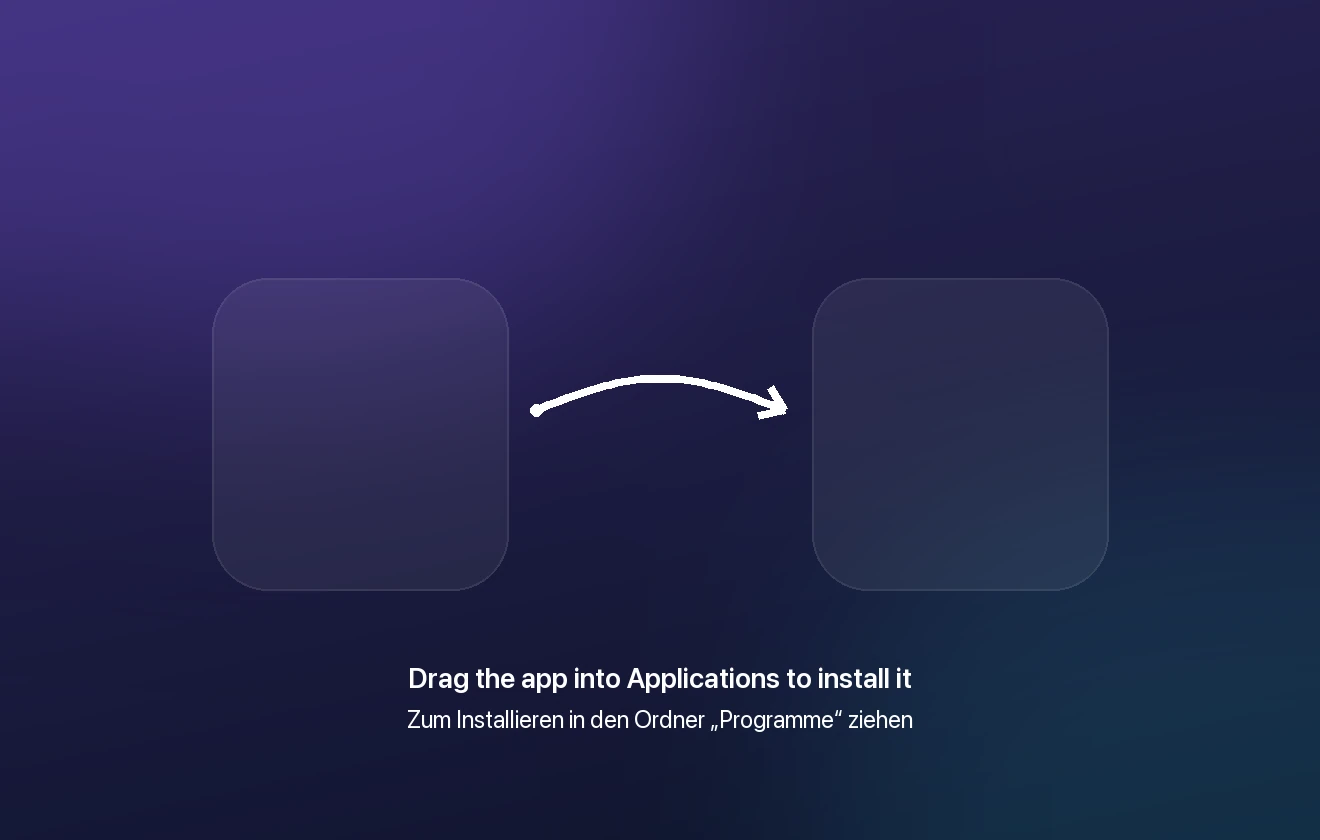
This is a preview, not the installer window
Applications
Installed
2.Put widgets on your desktop
Start the app and pick your widgets in the sidebar: “Add to Desktop” puts one there. Drag it anywhere, right-click it to change its size.
3.Keep it running
Leave “Start with my Mac” ticked in the welcome window, and your widgets are back after every restart. The settings live behind the icon in the menu bar.
Want more than 8 widgets? See what Pro unlocks
Stuck somewhere? Write to us